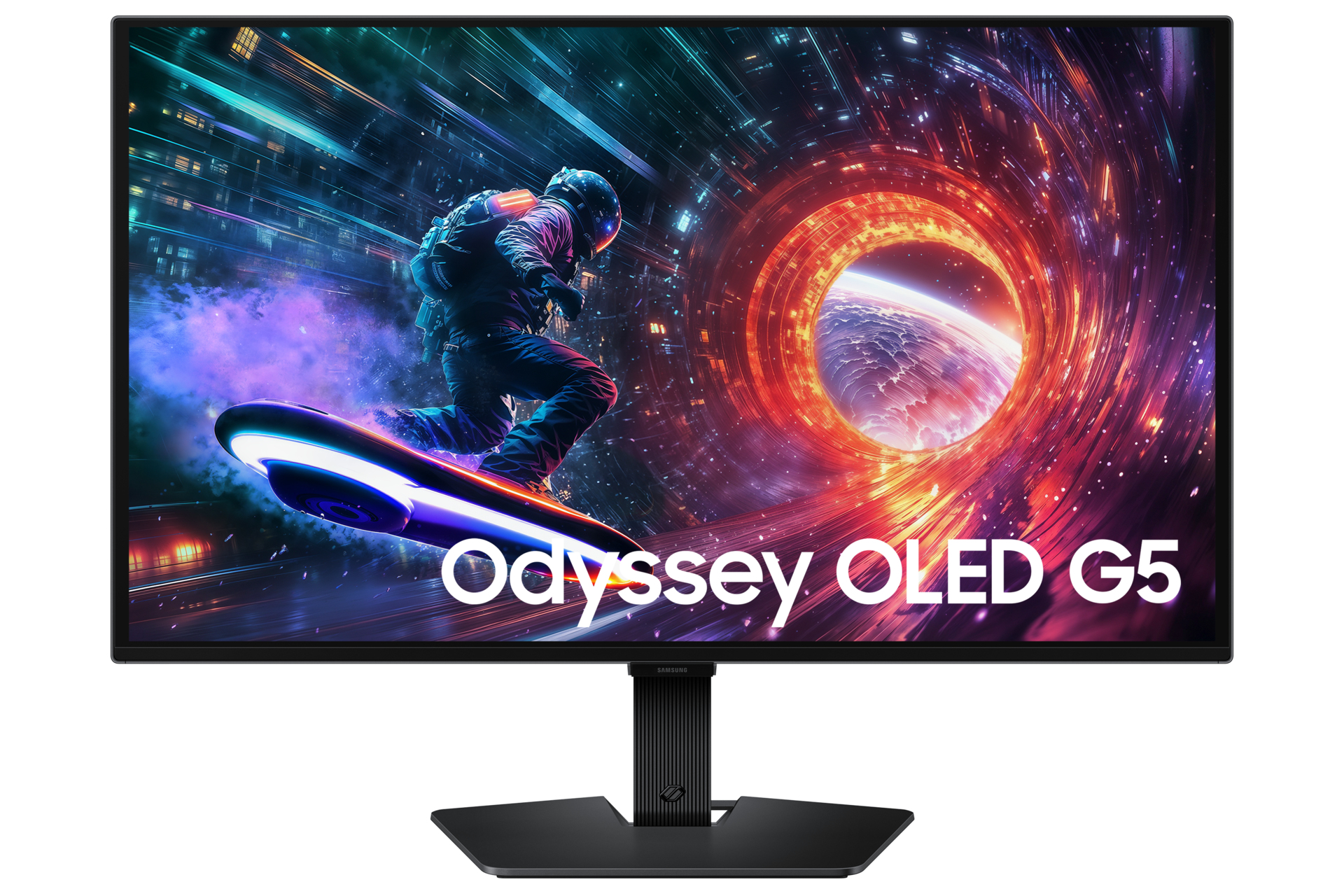
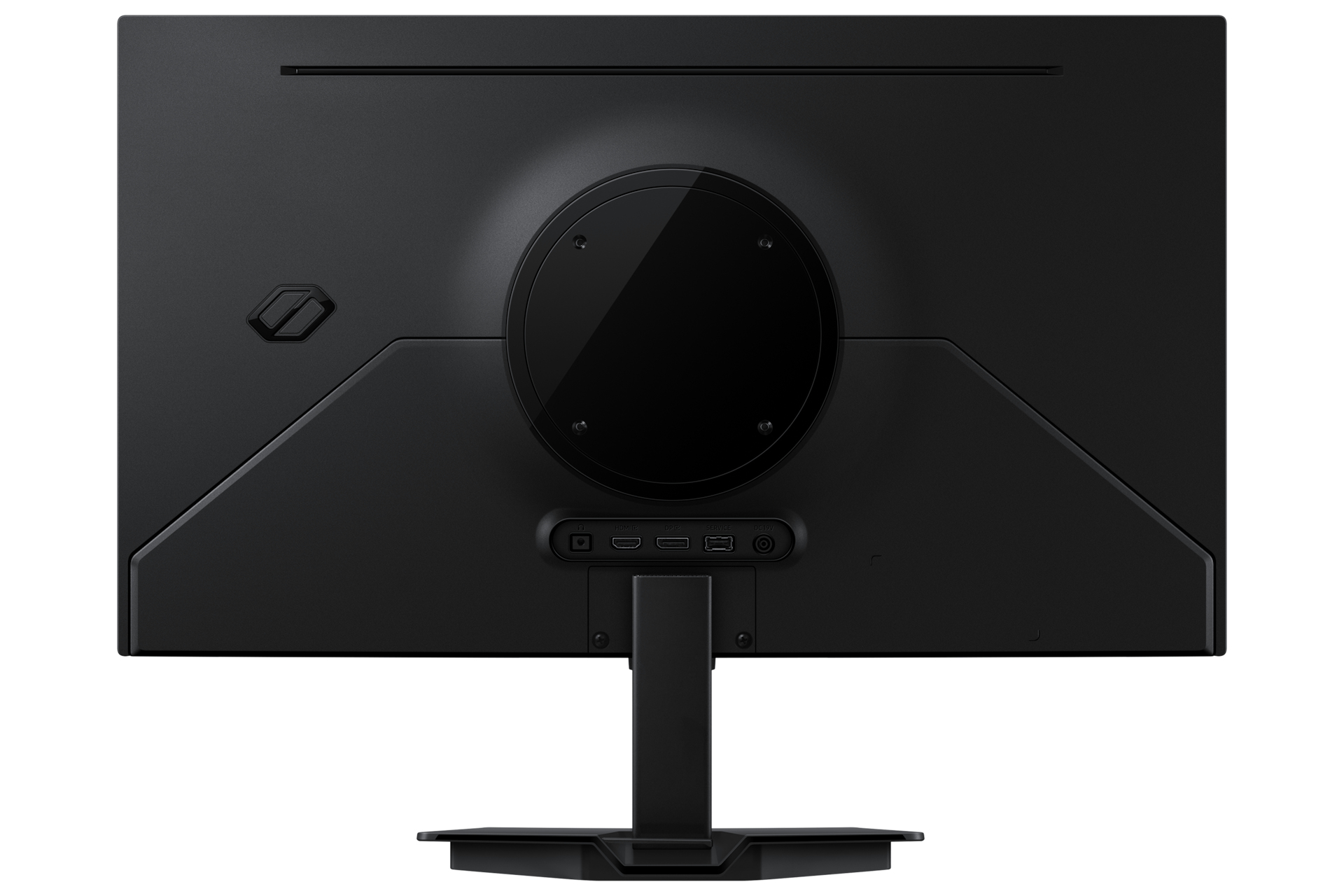
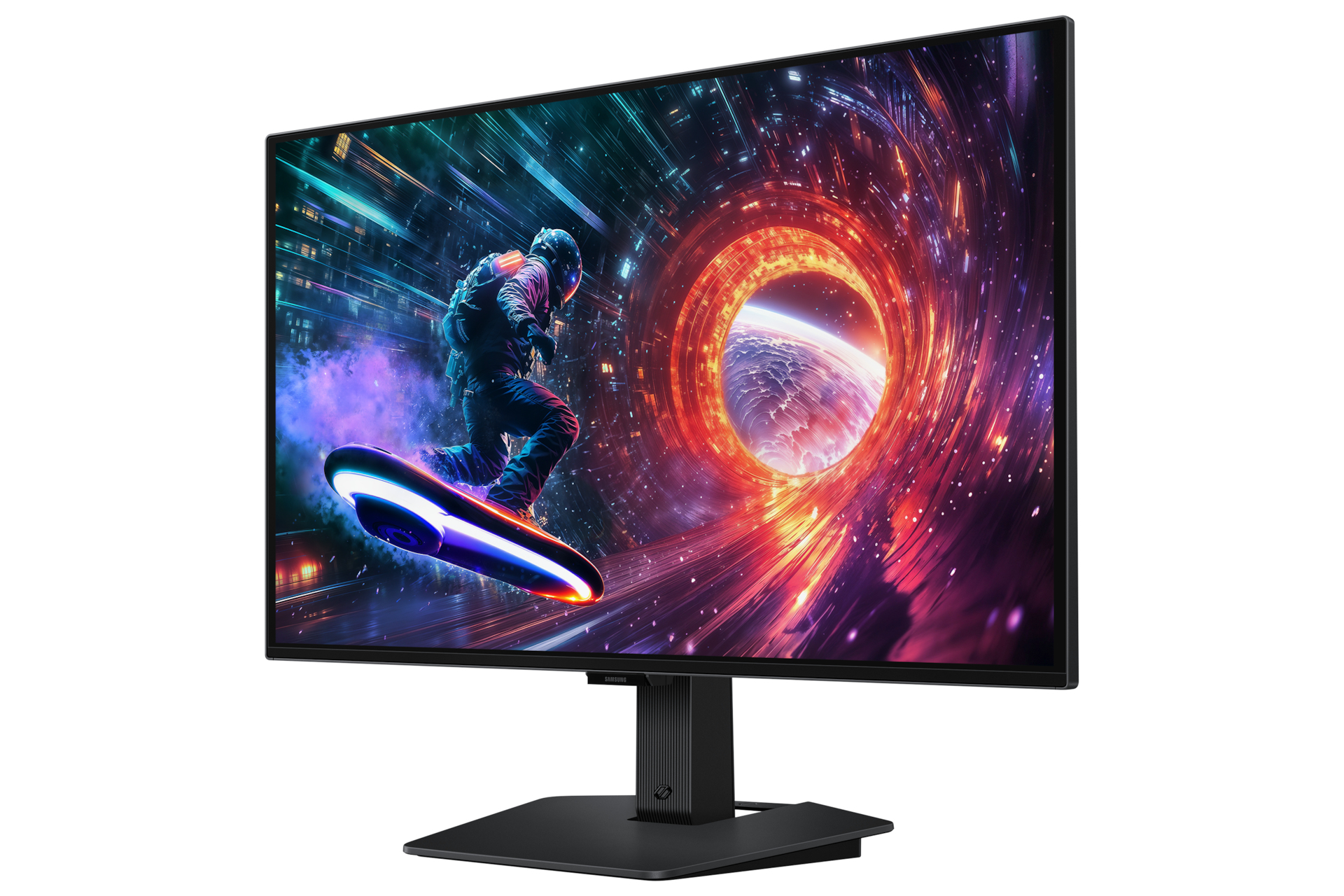
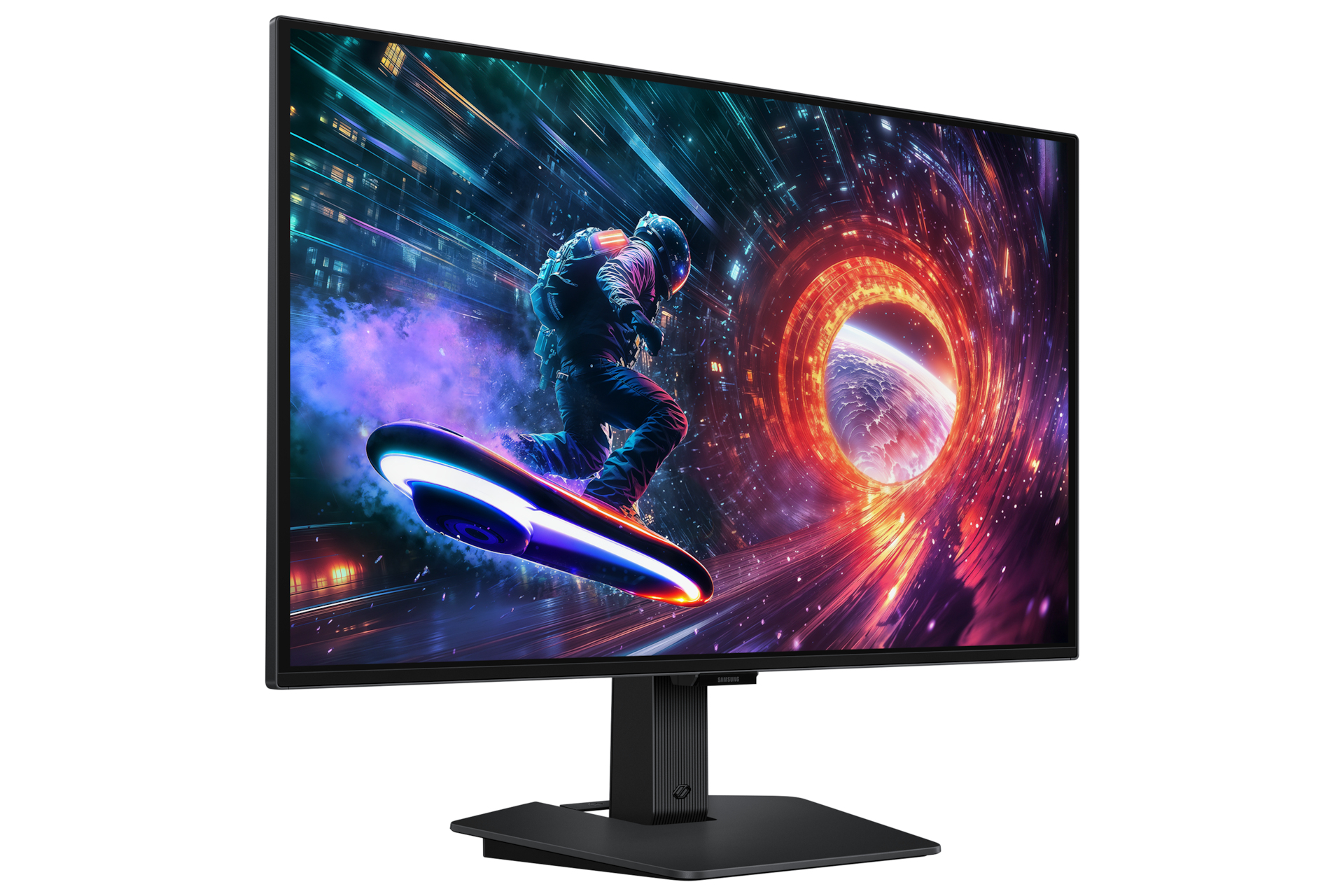
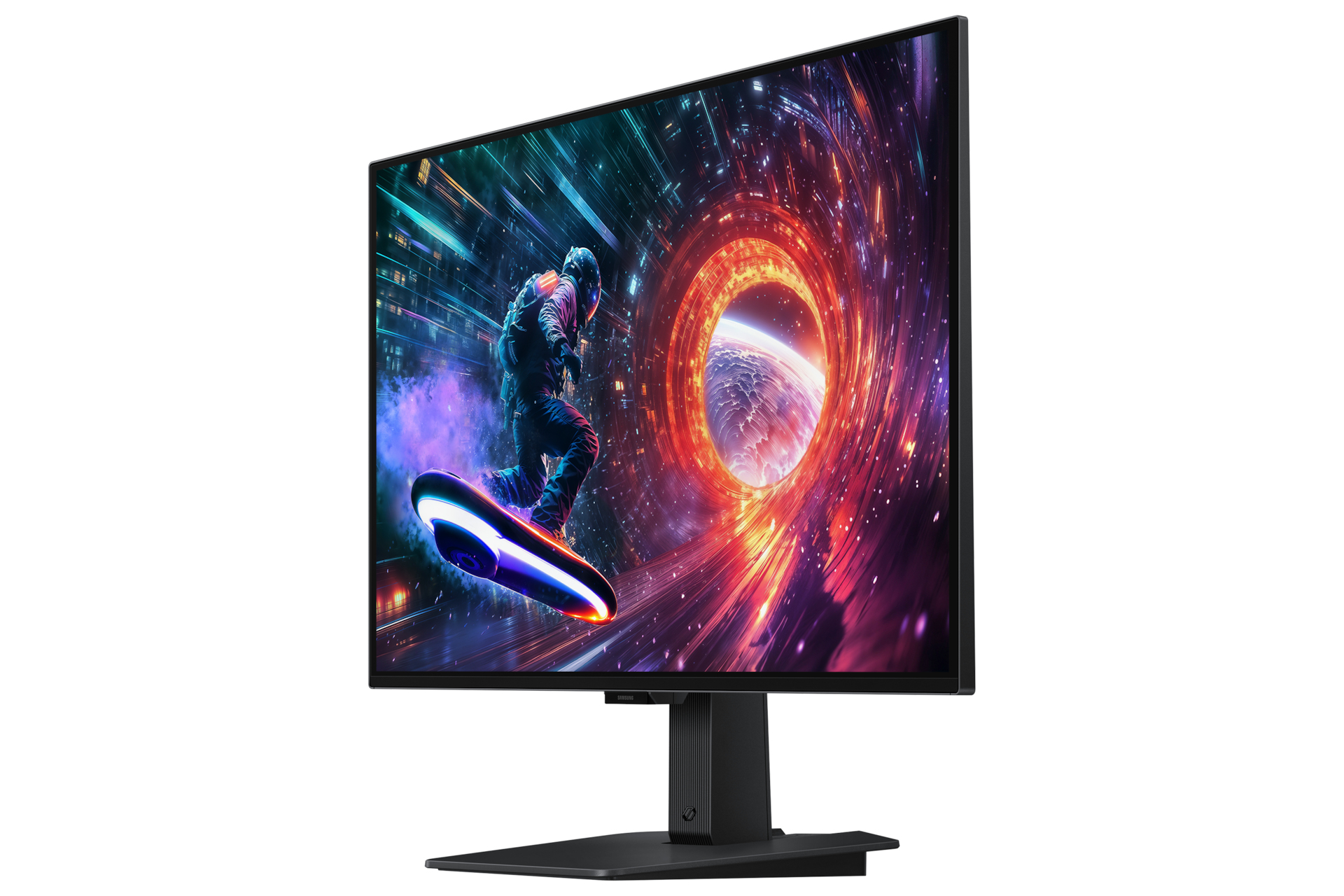
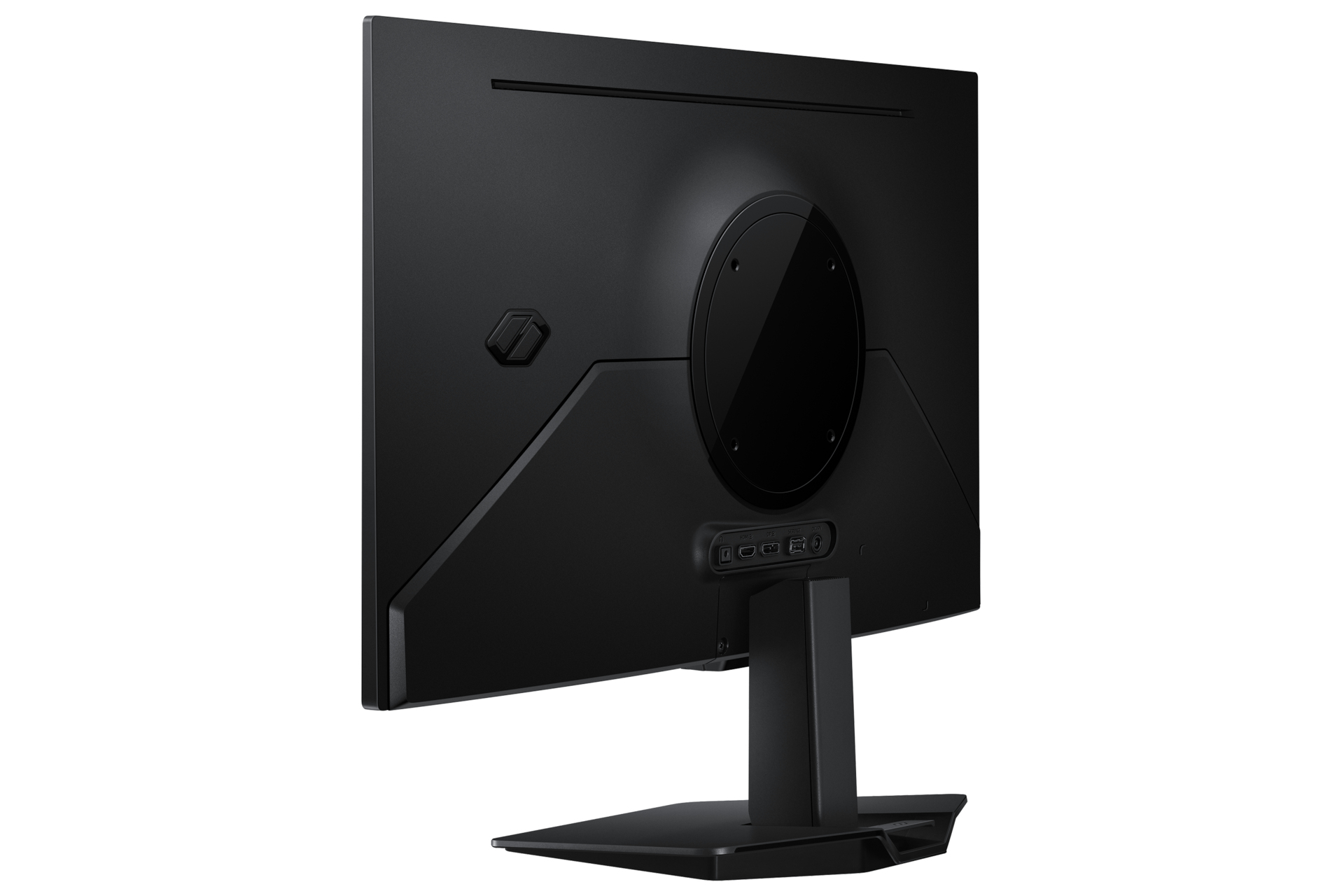



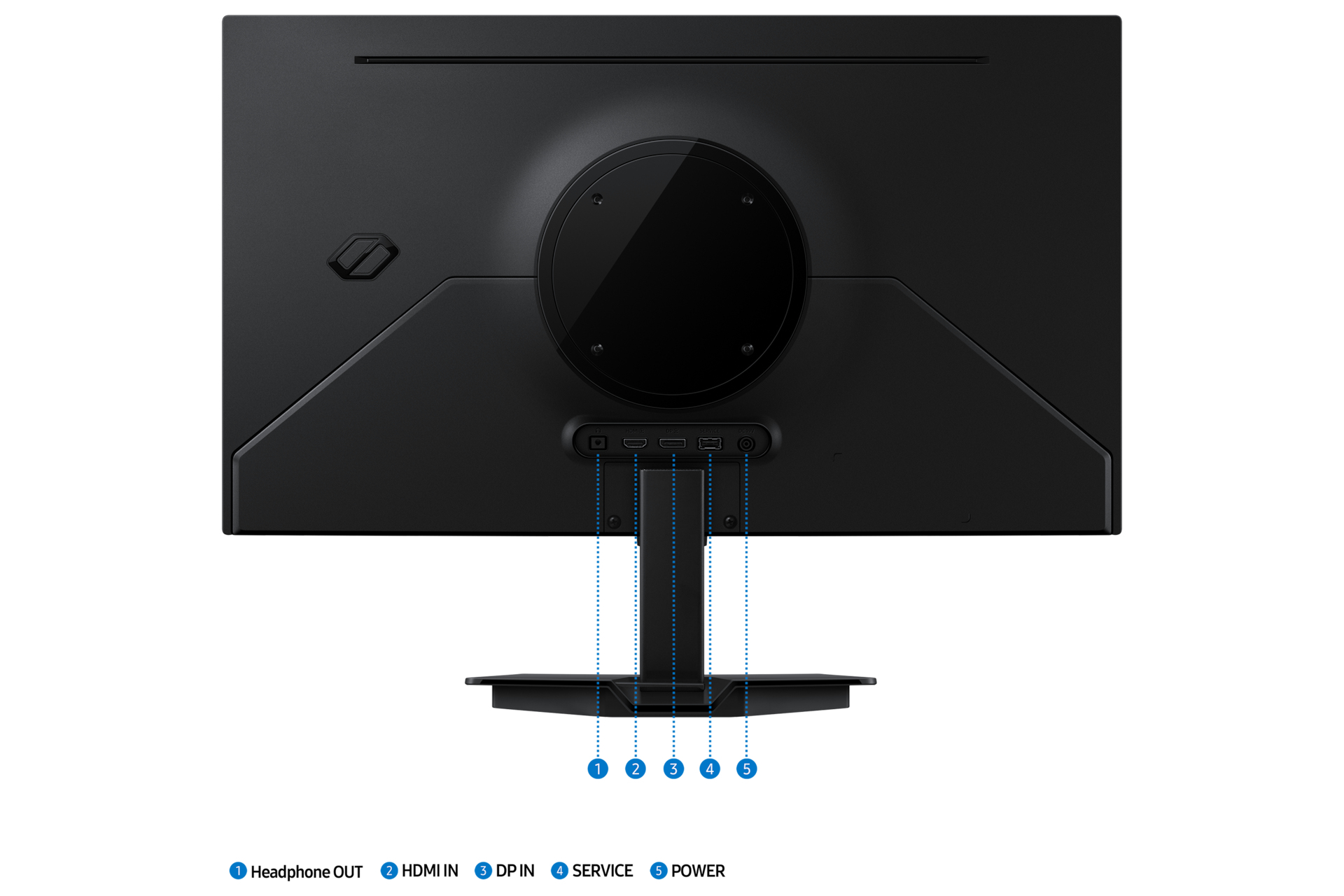

Samsung 27" Odyssey OLED G5 G50SF QHD
- Brand: Samsung
- Category:
- SKU: LS27FG502SUXXU
- EAN: 8806097696971
Offer details
Trade Prices
| Distributor | Product | SKU | Stock | Updated | Price |
|---|---|---|---|---|---|


|
27 ODYSSEY OLED G5 G50SF QHD View on Webshop |
LS27FG502SUXXU | |||

|
Odyssey OLED G5 S27FG502SU - G50SF Series - OLED monitor - 27" - HDR |
12108378 | |||

|
Odyssey OLED 27 INCH GamingMonitor |
10475054 | |||

|
LS27FG502SUXXU |
STD10225161 | |||

|
Odyssey OLED G5 S27FG502SU - G50SF Series - OLED monitor - gaming - 27" - 2560 x 1440 QHD @ 180 Hz - 200 cd/m? - 1000000:1 - HDR10 - 0.03 ms - HDMI, DisplayPort - black View on InTouch |
12108378 |
| Alternative Suppliers | |||||
|---|---|---|---|---|---|

|
27 ODYSSEY OLED G5 G50SF QHD |
CLLS27FG502SUXXU | |||


Reasons To Buy

Dive into realistic gameplay with lifelike colours
Pantone Validated<br>Enjoy immersive gaming with precise colour reproduction. Our Pantone Validated screen can accurately reproduce 2100+ colours and 110+ SkinTone shades from Pantone's library. Plus, the brilliant QD-OLED display helps bring games to life as intended by developers — for an engaging gaming experience.
Enhanced brightness and clearer details
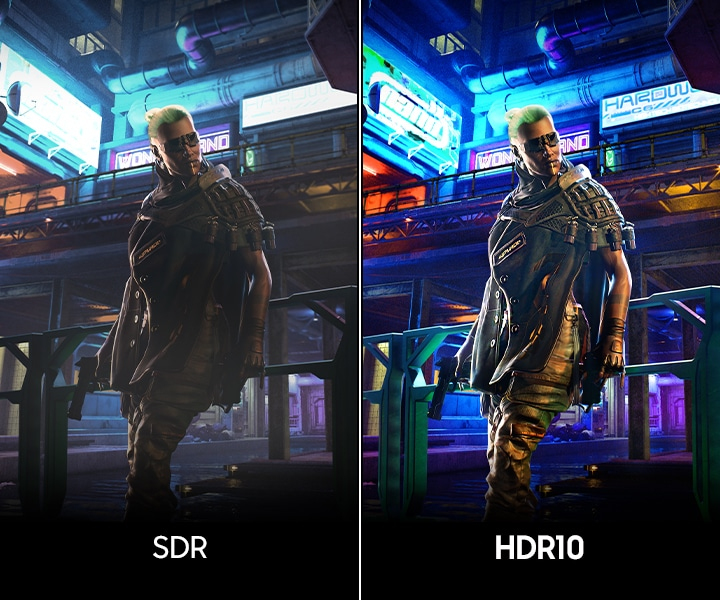
HDR10<br>Enjoy lifelike visuals with improved contrast and colour accuracy. HDR10 provides brighter highlights and nuanced shadow for added depth — making scenes feel more vivid and realistic.
Catch enemies in the shadows with better visibility
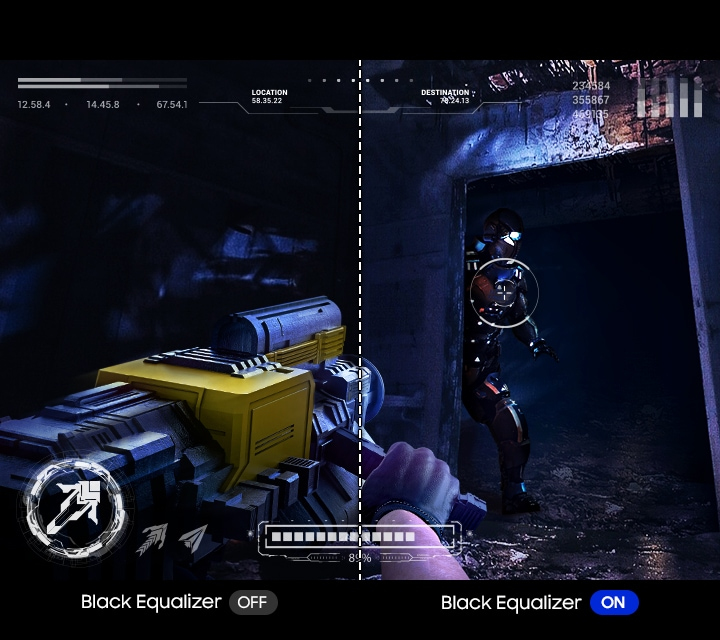
Black Equaliser<br>Spot your opponents hiding in the corners. Black Equaliser allows you to adjust dark areas in games, so you can locate your enemies in even the deepest shadows.
Hit your marks with next-level accuracy
Virtual Aim Point<br>Gain precision in your shots with Virtual Aim Point. Crosshairs on the screen increase the accuracy of your aim when the action peaks.

Instant auto connect
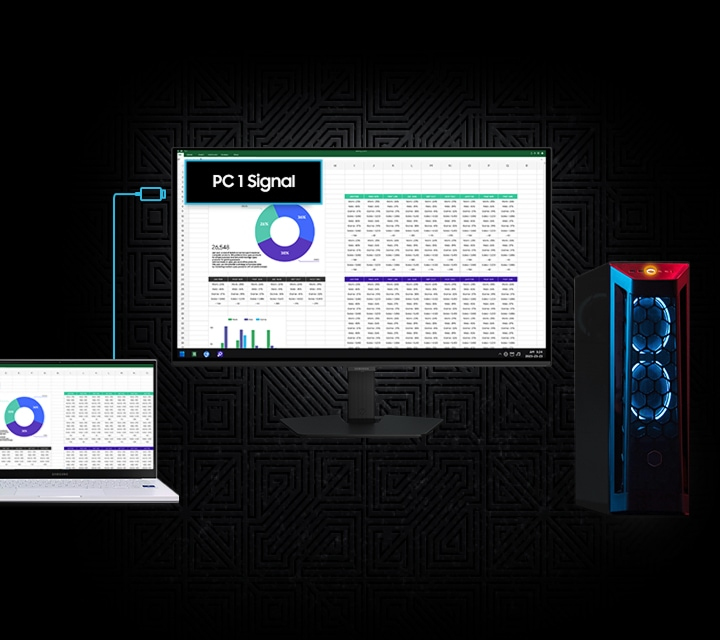
Auto Source Switch+<br>Get to your game action faster with Auto Source Switch+. Your monitor detects when connected devices are turned on and instantly switches to the new source signal without having to flip through multiple inputs.
Thermal Modulation System
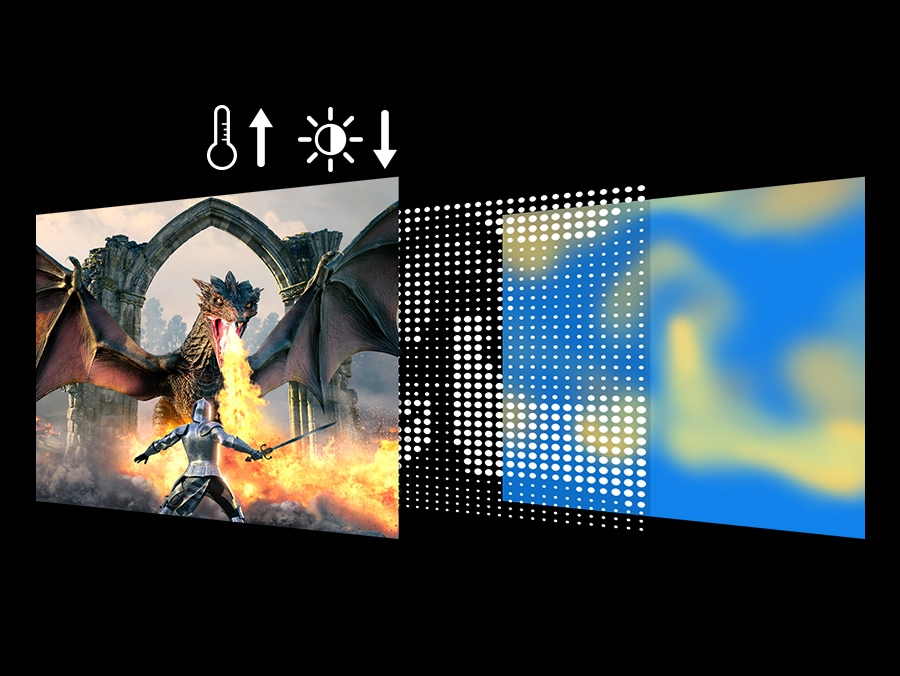
Thermal Modulation System uses algorithms to automatically control brightness and prevent overheating.

Logo & Taskbar Detection
The brightness on static images, like logos and taskbars, is automatically reduced to prevent burn-ins.
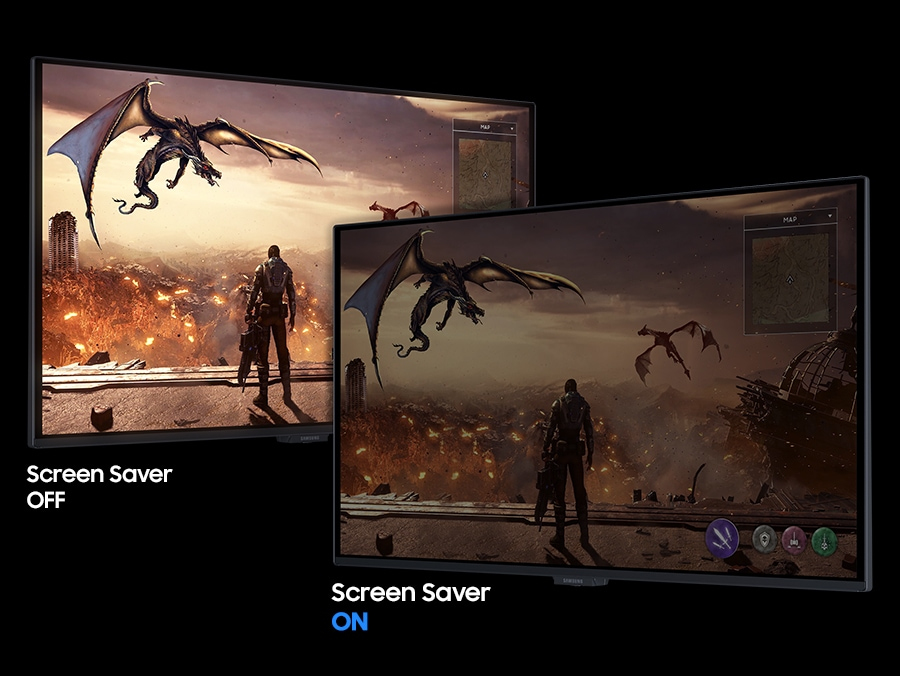
Screen Saver
The screen dims itself after 10 minutes of inactivity and comes back to regular brightness with any input.
Description
Pantone Validated
Enjoy immersive gaming with precise colour reproduction. Our Pantone Validated screen can accurately reproduce 2100+ colours and 110+ SkinTone shades from Pantone's library. Plus, the brilliant QD-OLED display helps bring games to life as intended by developers — for an engaging gaming experience.
Enhanced brightness and clearer details
HDR10
Enjoy lifelike visuals with improved contrast and colour accuracy. HDR10 provides brighter highlights and nuanced shadow for added depth — making scenes feel more vivid and realistic.
Catch enemies in the shadows with better visibility
Black Equaliser
Spot your opponents hiding in the corners. Black Equaliser allows you to adjust dark areas in games, so you can locate your enemies in even the deepest shadows.
Hit your marks with next-level accuracy
Virtual Aim Point
Gain precision in your shots with Virtual Aim Point. Crosshairs on the screen increase the accuracy of your aim when the action peaks.
Instant auto connect
Auto Source Switch+
Get to your game action faster with Auto Source Switch+. Your monitor detects when connected devices are turned on and instantly switches to the new source signal without having to flip through multiple inputs.
Thermal Modulation System
Thermal Modulation System uses algorithms to automatically control brightness and prevent overheating.
Logo & Taskbar Detection
The brightness on static images, like logos and taskbars, is automatically reduced to prevent burn-ins.
Screen Saver
The screen dims itself after 10 minutes of inactivity and comes back to regular brightness with any input.