

Offer details
Trade Prices
| Distributor | Product | SKU | Stock | Updated | Price |
|---|---|---|---|---|---|


|
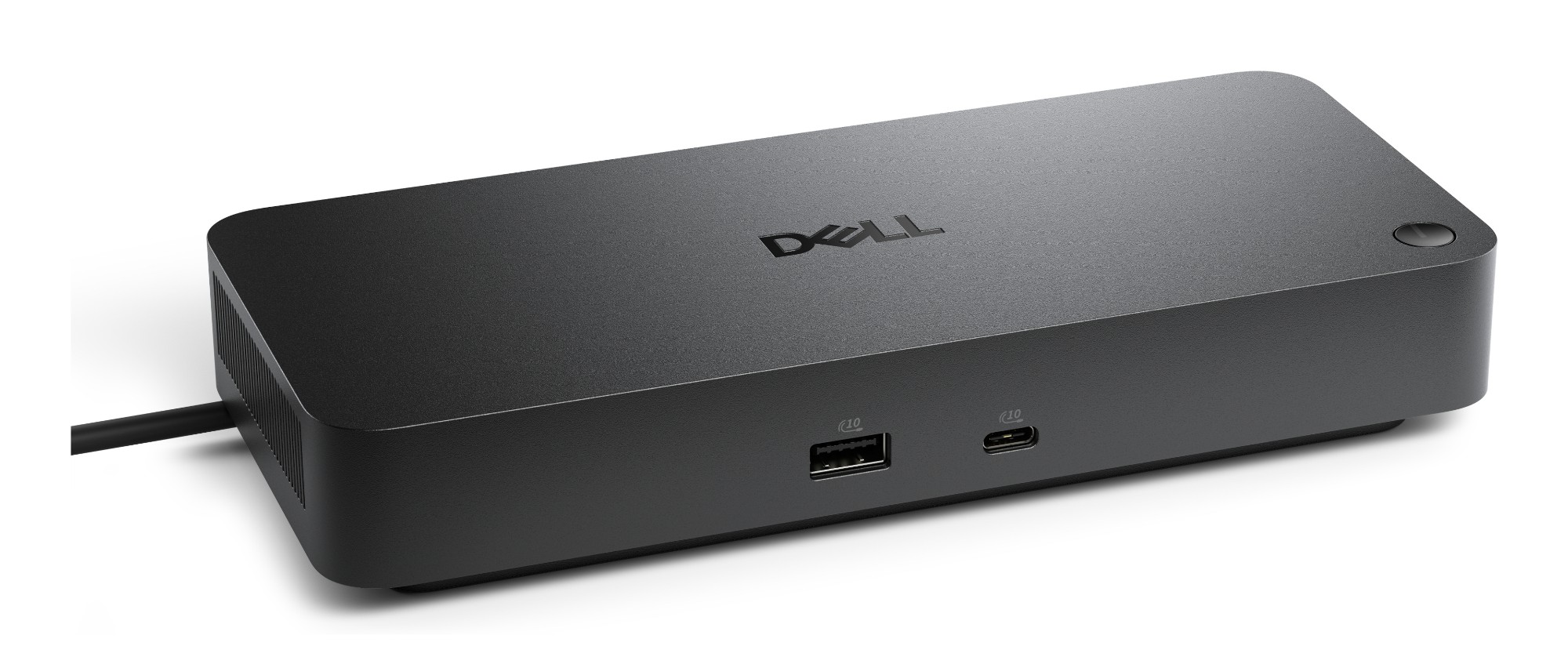
Pro Dock WD25Z Wired USB 3.2 Gen 2 (3.1 Gen 2) Type-C Black |
DELL-WD25Z | |||

|
PRO DOCK - WD25Z View on Xvantage |
CQ45542 | |||

|
Pro Dock WD25Z - Docking station - USB-C - HDMI, 2 x DP, USB-C - 1GbE, 2.5GbE - 180 Watt - BTO - with 3 Years Basic Hardware Service with Advanced Exchange after remote diagnosis - Disti SNS View on InTouch |
12189475 | |||

|
PRO DOCK - WD25Z View on Webshop |
DELL-WD25Z | |||

|
PRO DOCK - WD25Z |
DELL-WD25Z | |||

|
Pro Dock WD25Z - Docking station - USB-C - HDMI, 2 x DP, USB-C - 1GbE, 2.5GbE - 180 watt - with 3 years Basic Hardware Service with Advanced Exchange after remote diagnosis |
W129294264 | |||
|
|
Pro Dock WD25Z - Docking station - USB-C - HDMI, 2 x DP, USB-C - 1GbE, 2.5GbE - 180 Watt - BTO - with 3 Years Basic Hardware Service with Advanced Exchange after remote diagnosis - Disti SNS |
W129254836 | |||

|
Pro Dock - wd25z |
DELL-WD25Z | |||
|
|
Pro Dock - wd25z |
210-BTJB | |||

|
PRO DOCK WD25Z |
DELL-WD25Z | |||

|
Pro Dock WD25Z - Docking station - USB-C |
DELL-WD25Z | |||

|
Pro Dock WD25Z - Dockingstation - USB-C |
DELL-WD25Z | |||
| Ingram Micro CS |
PRO DOCK - WD25Z |
CQ45542 | |||

|
DOCKINGSTATION WD25Z 180W HDMI 2x |
DELL-WD25Z | |||

|
Pro Dock WD25Z Wired USB 3.2 Gen 2 (3.1 Gen 2) Type-C Black |
DELL-WD25Z | |||
| Origin Storage UK |
Pro Dock WD25Z Wired USB 3.2 Gen 2 (3.1 Gen 2) Type-C Black |
DELL-WD25Z | |||

|
Pro Dock - WD25Z. For UK,EU. |
210-BTJB | |||
|
|
Pro Dock - WD25Z. For UK,EU. |
DELL-WD25Z | |||

|
Pro Dock - WD25Z. For UK,EU. |
210-BTJB | |||
|
|
Pro Dock - WD25Z. For UK,EU. |
DELL-WD25Z | |||

|
Pro Dock WD25Z - Docking station - USB-C - HDMI, 2 x DP, USB-C - 1GbE, 2.5GbE - 180 Watt - BTO - with 3 Years Basic Hardware Service with Advanced Exchange after remote diagnosis - Disti SNS |
STD10230701 | |||

|
Pro Dock WD25Z - docking station - USB-C - HDMI, 2 x DP, USB-C - 1GbE, 2.5G |
DELL-WD25Z | |||

|
Pro Dock (WD25Z) |
DELLWD25Z | |||

|
PRO DOCK WD25Z |
129860 |
| Alternative Suppliers | |||||
|---|---|---|---|---|---|

|
Pro Dock - WD25Z |
2053492 | |||

|
EU Product - Pro Dock wd25z - Dockingstation - USB-C |
DELL-WD25Z | |||

|
Pro Dock WD25Z Wired USB 3.2 Gen 2 (3.1 Gen 2) Type-C Black |
OSDELL-WD25Z | |||

|
Pro Dock wd25z Dockingstation USB-C |
5348246408 | |||
Related Products
-
 Category: Laptops
 -
 Category: Laptops
 -
 Category: Laptops
 -
 Category: Laptops
 -
Category: Laptops
-
 Category: Laptops
 -
 Category: Laptops
 -
 Category: Laptops
 -
Category: Laptops
-
Category: Laptops
-
 Category: Laptops
 -
Category: Laptops
-
 Category: Laptops
 -
 Category: Laptops
 -
 Category: Laptops
 -
Category: Laptops
-
Category: Laptops
-
Category: Laptops
-
Category: Laptops
-
Category: Laptops
-
Category: Laptops
-
 Category: Laptops
 -
 Category: Laptops
 -
Category: Laptops
-
Category: Laptops
-
Category: Laptops
-
Category: Laptops
-
 Category: Laptops
 -
Category: Laptops
-
Category: Laptops
-
Category: Laptops
-
Category: Laptops
-
Category: Laptops
-
Category: Laptops
-
Category: Laptops
-
Category: Laptops
-
Category: Laptops
-
Category: Laptops
-
Category: Laptops
-
 Category: Laptops
 -
Category: Laptops
-
Category: Laptops
-
Category: Laptops
-
Category: Laptops
-
Category: Laptops
-
Category: Laptops
-
 Category: Laptops
 -
Category: Laptops
-
 Category: Laptops
 -
 Category: Laptops
 -
 Category: Laptops
 -
Category: Laptops
-
 Category: Laptops
 -
Category: Laptops
-
 Category: Laptops
 -
Category: Laptops
-
Category: Laptops
-
Category: Laptops
-
Category: Laptops
-
Category: Laptops
-
 Category: Laptops
 -
Category: Laptops
-
Category: Laptops
-
Category: Laptops
-
Category: Laptops
-
Category: Laptops
-
 Category: Laptops
 -
Category: Laptops
-
Category: Laptops
-
Category: Laptops
-
Category: Laptops
-
Category: Laptops
-
Category: Laptops
-
Category: Laptops
-
Category: Laptops
-
Category: Laptops
-
Category: Laptops
-
Category: Laptops
-
Category: Laptops
-
Category: Laptops
-
Category: Laptops
-
Category: Laptops
-
Category: Laptops
-
Category: Laptops
-
Category: Laptops
-
Category: Laptops
-
Category: Laptops
-
Category: Laptops
-
Category: Laptops
-
Category: Laptops
-
Category: Laptops
-
Category: Laptops
-
Category: Laptops
-
Category: Laptops
-
Category: Laptops
-
Category: Laptops
-
Category: Laptops
-
Category: Laptops
-
Category: Laptops
-
Category: Laptops
-
Category: Laptops
-
Category: Laptops
-
Category: Laptops
-
Category: Laptops
-
Category: Laptops
-
Category: Laptops
-
Category: Laptops
-
Category: Laptops
-
Category: Laptops
-
Category: Laptops
-
Category: Laptops
-
 Category: Laptops
 -
Category: Laptops
-
Category: Laptops
-
Category: Laptops
-
Category: Laptops
-
Category: Laptops
-
Category: Laptops
-
Category: Laptops
-
Category: Laptops
-
Category: Laptops
-
Category: Laptops
-
Category: Laptops
-
Category: Laptops
-
Category: Laptops
-
Category: Laptops
-
Category: Laptops
-
Category: Laptops
-
Category: Laptops
-
Category: Laptops
-
Category: Laptops
-
Category: Laptops
-
Category: Laptops
-
Category: Laptops
-
Category: Laptops
-
Category: Laptops
-
Category: Laptops
-
Category: Laptops
-
Category: Laptops
-
Category: Laptops
-
Category: Laptops
-
Category: Laptops
-
Category: Laptops
-
Category: Laptops
Reasons To Buy
Fuel your AI productivity
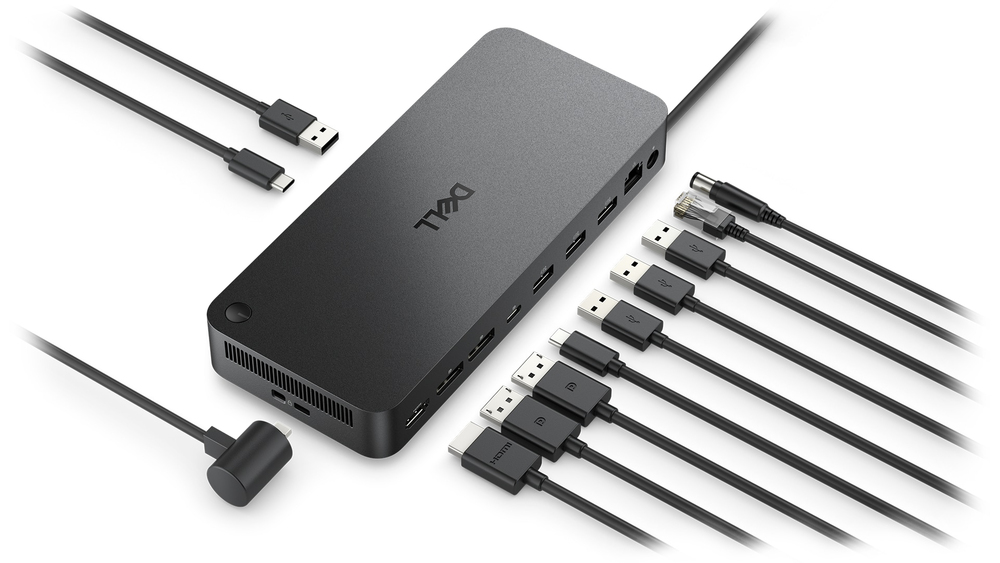
Create a highly compatible, single-cable workspace with a dock that features six USB ports, supports up to four displays, and delivers up to 130W of power to the latest Dell AI PCs, ensuring optimal productivity.
Accelerate manageability
Easily keep your dock updated, ensuring uninterrupted productivity.
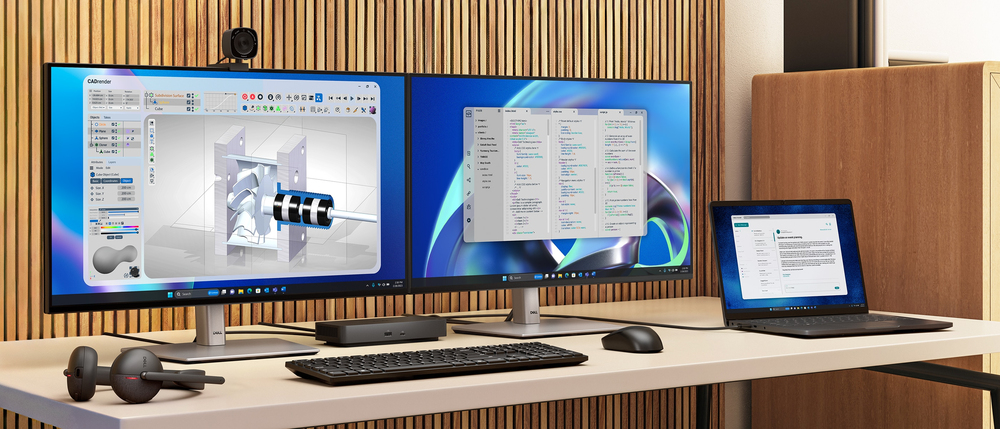

Improved manageability
Manage your dock from the Dell Device Management Console by utilizing Dell Display and Peripheral Manager, and Dell Device Management Agent installed on your PC.
Simplify firmware updates
Reduce IT complexity by deploying a single firmware file across workspaces. Minimise end-user disruption with silent firmware updates that are executed upon dock disconnection.
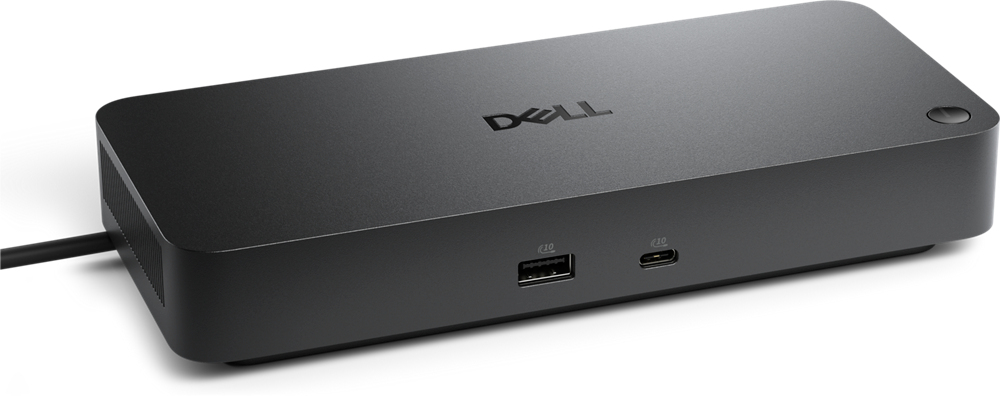
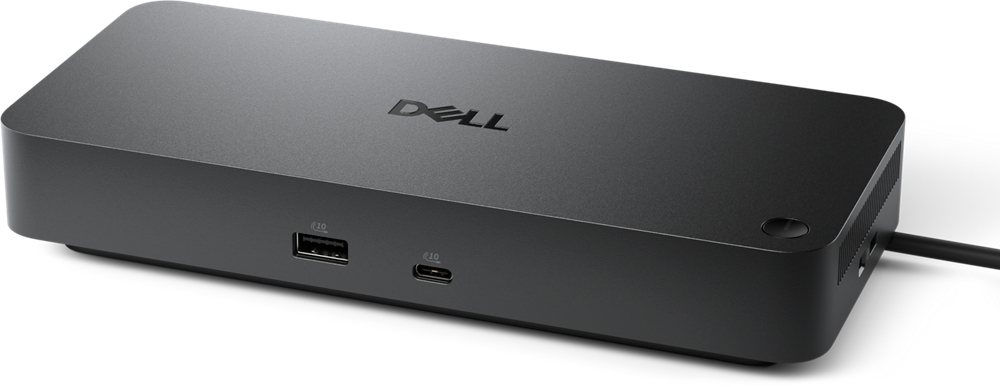
Work with confidence
Enhance your docking experience with universally compatible features including MAC Address Pass-Through and Power Button Sync, for a better docking experience across brands.
Connect your way
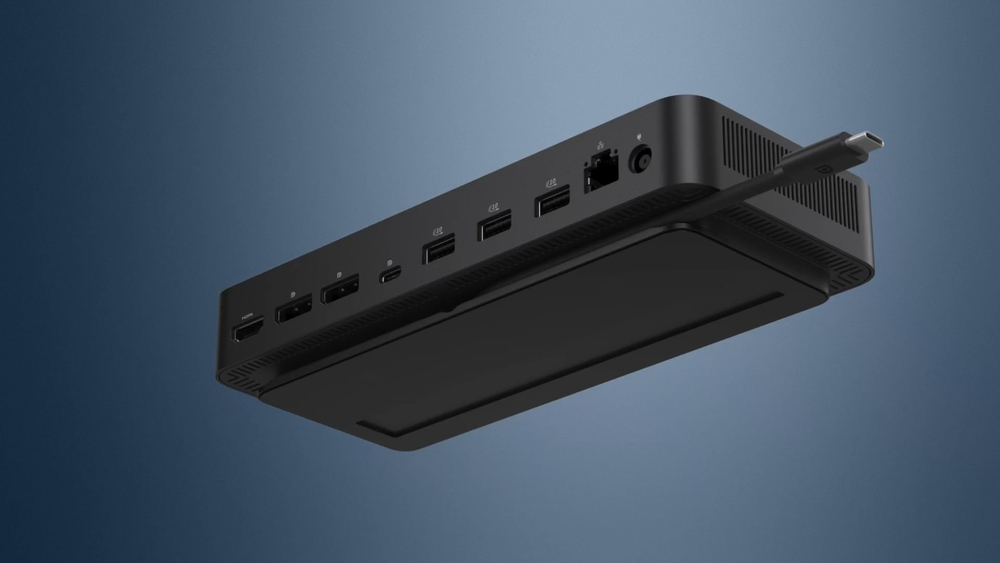
Configure your workspace to your liking with an ambidextrous USB-C cable that can be routed left or right.
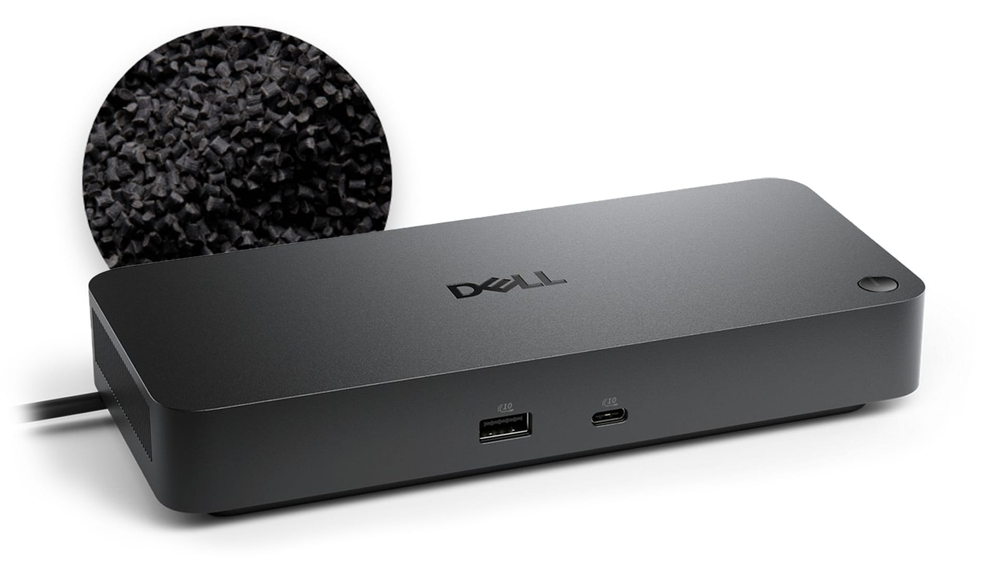
Designed for sustainability
The new generation of Dell Pro Docks reflect a commitment to sustainable design innovation to reduce environmental impact. The WD25Z is built with sustainable materials and packaged with at least 65% post-recycled content (PCR) plastic and 100% recycled or renewable packaging.
Description
Specifications
| Ports & interfaces | |
|---|---|
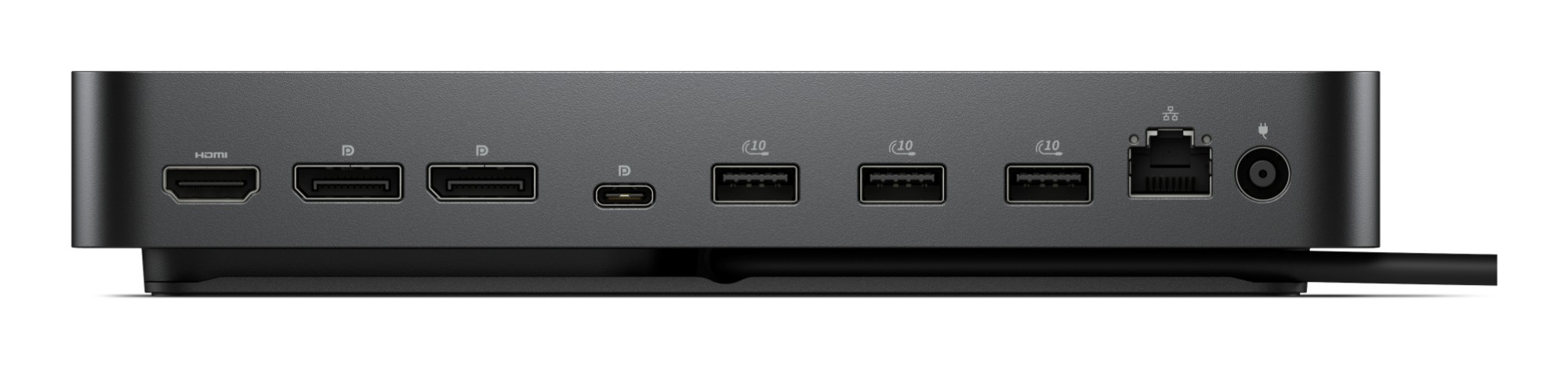
| USB 3.2 Gen 1 (3.1 Gen 1) Type-A ports quantity | 0 |
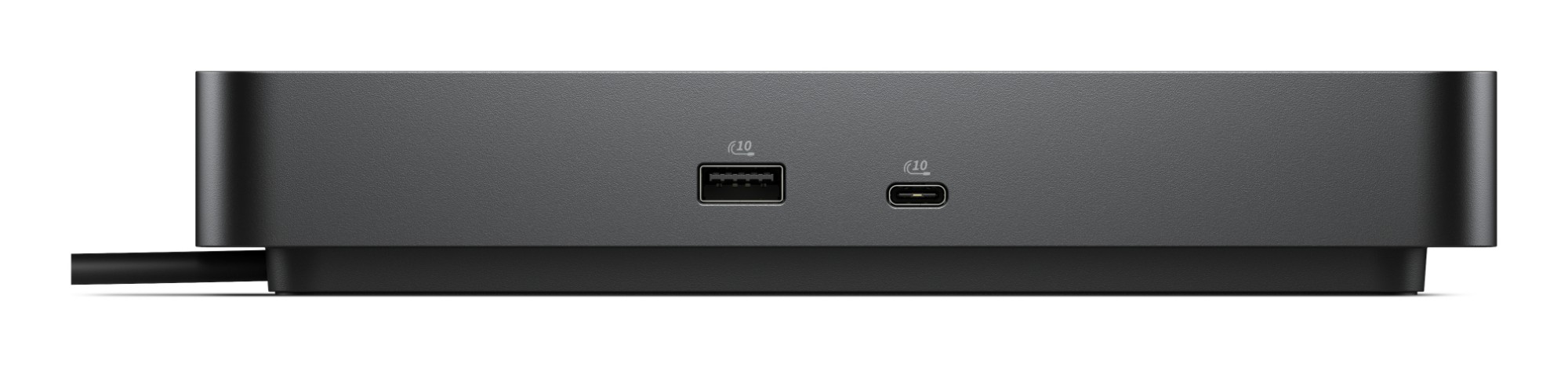
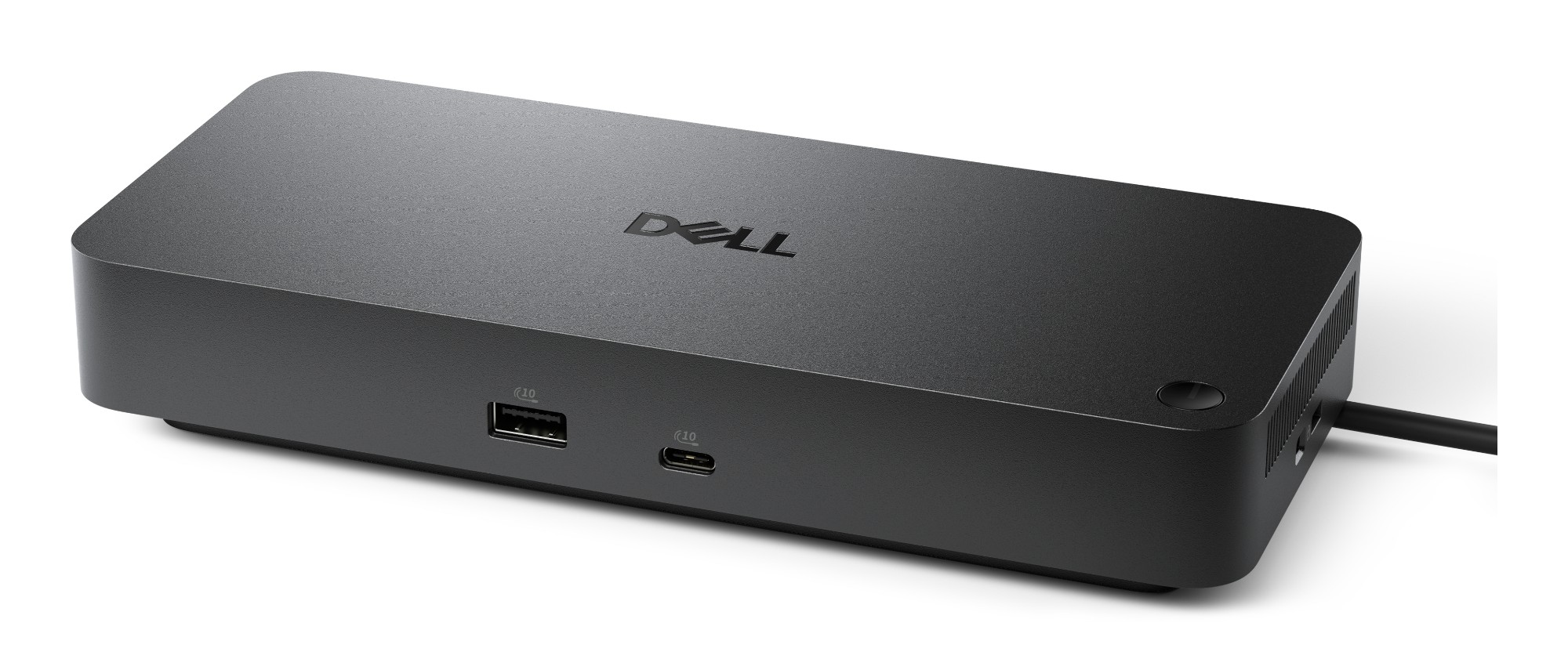
| USB 3.2 Gen 2 (3.1 Gen 2) Type-A ports quantity | 4 |
| USB 3.2 Gen 2 (3.1 Gen 2) Type-C ports quantity | 2 |
| Host interface | USB 3.2 Gen 2 (3.1 Gen 2) Type-C |
| USB 2.0 ports quantity | 0 |
| Ethernet LAN (RJ-45) ports | 1 |
| HDMI ports quantity | 1 |
| HDMI version | 2.1 |
| DisplayPorts quantity | 2 |
| Microphone in | No |
| Headphone outputs | 0 |
| Connectivity technology | Wired |
| USB Power Delivery (USB PD) | Yes |
| USB Power Delivery up to | 130 W |
| DisplayPort version | 1.4 |
| Network | |
| Wake-on-LAN ready | Yes |
| Ethernet LAN | Yes |
| Ethernet LAN data rates | 2500 Mbit/s |
| Ethernet LAN (RJ-45) ports | 1 |
| Performance | |
| Maximum digital resolution | 6144 x 3456 pixels |
| Number of displays supported | 4 |
| Product colour | Black |
| Card reader integrated | No |
| LED indicators | Power |
| Data transfer rate | 1.25 Gbit/s |
| Cable lock slot type | Kensington |
| Maximum refresh rate | 60 Hz |
| Technical details | |
| Product colour | Black |
| Data transfer rate | 1.25 Gbit/s |
| Total carbon footprint (kg of CO2e) | 90.9 |
| Storage | |
| Card reader integrated | No |
| Power | |
| Power source type | DC |
| Power supply | 180 W |
| Software | |
| Windows operating systems supported | Windows 10, Windows 11 |
| Linux operating systems supported | Linpus Linux 9.6, Ubuntu 24.04 LTS |
| Other operating systems supported | ChromeOS |
| Indication | |
| LED indicators | Power |
| Weight & dimensions | |
| Weight | 550 g |
| Width | 90 mm |
| Depth | 35.3 mm |
| Height | 205 mm |
| Design | |
| Windows operating systems supported | Windows 10, Windows 11 |
| Product colour | Black |
| LED indicators | Power |
| Cable lock slot type | Kensington |
| Packaging data | |
| Quantity per pack | 1 pc(s) |
| Packaging content | |
| Quick start guide | Yes |
| Cables included | AC |
| AC adapter included | Yes |
| Quantity per pack | 1 pc(s) |
| Carbon footprint | |
| Total carbon footprint (kg of CO2e) | 90.9 |
| PAIA version | GaBi version 1, 2025 |
| Carbon emissions, energy usage (kg of CO2e) | 60.45 |
| Carbon emissions, manufacturing (kg of CO2e) | 27.54 |
| Carbon emissions, logistics (kg of CO2e) | 2 |
| Carbon emissions, end-of-life (kg of CO2e) | 0.82 |